Salesforce is not expensive because of the subscription. It is expensive because of what the subscription makes you build. A 15-person sales team can buy the software for less than a used car, then spend the next year paying consultants, admins, and integration specialists to turn it into the CRM the sales team actually needs.
That is not a knock on the product. Salesforce is the most capable CRM platform on the market, and for the right company it is worth the money. The problem is that the pricing page sells a seat, while the implementation sells a project. This review separates the two, so you can tell whether you are buying a tool or signing up for a second job.
What Salesforce CRM is, and what it is not
Salesforce CRM usually means Sales Cloud, the part of the platform that holds accounts, contacts, opportunities, forecasts, and activity. Around that core sit Service Cloud, Marketing Cloud, Experience Cloud, Commerce Cloud, Data Cloud, and the Agentforce AI layer. They share a data model, a permission system, and a customization layer, which is both the strength and the trap.
It is not a single product you switch on. It is an application platform with a CRM inside it. That means you can model almost any sales process, integrate almost any system, and build almost any report. It also means someone has to decide what the model should be. Salesforce will happily let you create 47 custom fields and twelve record types. It will not tell you that your reps will stop using the system because of them.
The editions, without the sales deck
Salesforce’s edition names and prices have been moving in the Agentforce era. The table below reflects list prices published in late 2026. Some 2026 quotes show a newer Core, Advanced, and Max naming at the top of the line. Treat this as a starting point, not a contract; ask the rep for the current edition sheet in writing.
| Edition | List price | Best for | What to watch |
|---|---|---|---|
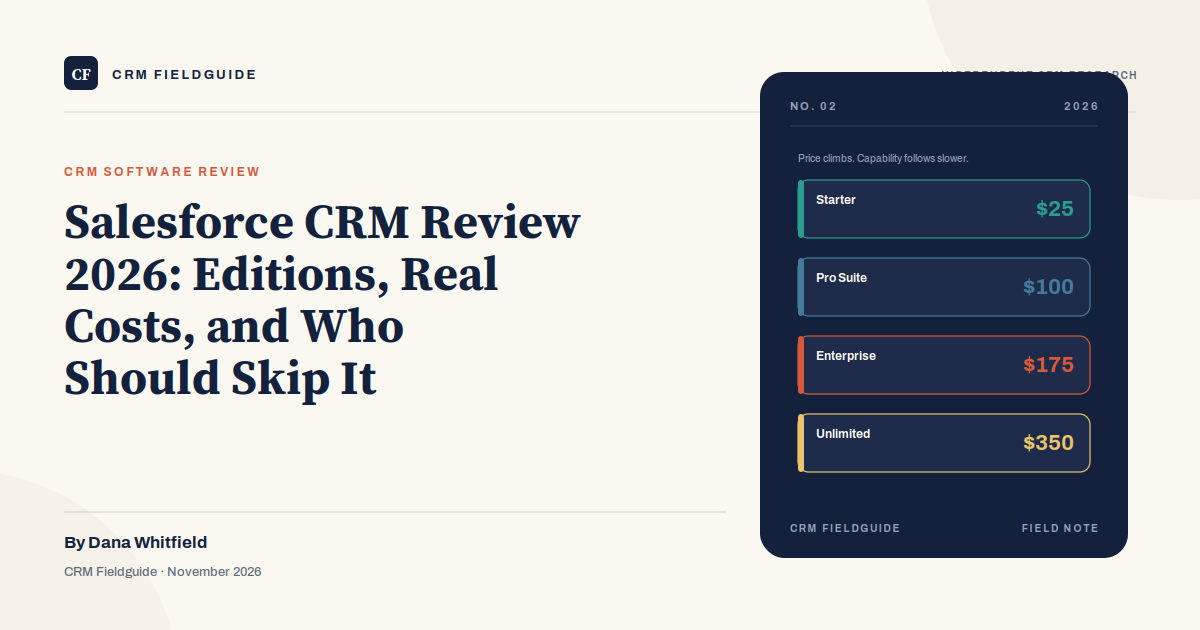
| Starter Suite | $25/user/month | Small teams that need sales, service, and basic automation in one place | Limited customization, reporting, and forecasting |
| Pro Suite | $100/user/month | Growing teams with multiple pipelines and a real sales process | Annual contract, add-on costs start to matter |
| Enterprise | $175/user/month | Complex sales with territories, approvals, and custom objects | Implementation and admin burden are now your problem |
| Unlimited | $350/user/month | Larger organizations that need support, API headroom, and governance | You may pay for capacity you never use |
| Agentforce 1 | $550/user/month | AI-heavy sales and service operations | Newest tier, still changing; model the usage costs |
The Starter Suite is the only edition a very small team should consider without a serious implementation budget. It is genuinely useful for a company that needs a shared pipeline, a contact record, and basic service cases. The moment you need custom objects, territory rules, advanced forecasting, or a dozen integrations, you are no longer in Starter territory, even if the sales rep says the gap can be bridged.
The real cost of a 15-person sales team
Let us put numbers on it. Assume 15 users on Enterprise at $175 per user per month. That is $31,500 a year in subscription before tax, before add-ons, and before anyone configures a single field.
A focused Sales Cloud implementation for a 15-person team commonly runs $25,000 to $50,000 with a partner. An admin, either a half-time employee or a consultant, adds roughly $40,000 to $60,000 a year in fully loaded cost. Add a data migration, a sandbox, e-signature, CPQ, or a marketing integration and the first-year total lands somewhere between $80,000 and $130,000. That is not an unusual number. It is the number Salesforce expects you to spend when you buy Enterprise.
Compare that with Starter Suite: 15 users at $25 per month is $4,500 a year. The software is cheap. The gap between the two numbers is the cost of customization, control, and scale. If you do not need those things, the gap is pure waste. If you do need them, the gap is the price of admission.
Where Salesforce earns its price
Salesforce is at its best when the sales process is genuinely complicated. Multiple products, multiple business units, long cycles, channel partners, territory rules, approval chains, and a compliance team that wants an audit trail. The platform handles those requirements without breaking, and the AppExchange fills gaps that would otherwise require custom development.
It is also strong when the CRM has to be the system of record for more than sales. Service Cloud can run cases and entitlements. Experience Cloud can host a partner or customer portal. Data Cloud can unify profiles from several systems. Agentforce can take over repetitive service and sales tasks, provided the underlying data is clean. A company that needs one platform for all of that will struggle to assemble the same depth from cheaper tools.
The reporting layer is another real advantage. Once the data model is right, Salesforce can answer questions that a simple pipeline tool cannot: which territories are behind, which products have the longest implementation cycle, which reps discount most often, and which accounts have open cases during a renewal. That is valuable if someone actually uses the answers.
Where Salesforce goes wrong
Salesforce projects fail in predictable ways. The first is customization debt. A consultant adds a field for every edge case, a record type for every team, and a validation rule for every exception. Two years later nobody remembers why half of it exists, and every change requires a specialist. The CRM becomes a legacy system while the company is still paying for it.
The second is the admin bottleneck. Salesforce is not self-maintaining. Someone has to manage users, permissions, fields, reports, integrations, and releases. If that person is a part-time operations manager with three other jobs, the backlog grows until the sales team stops asking for changes. The tool is capable; the organization is not staffed to use the capability.
The third is adoption. Salesforce will not force reps to update stages, log calls, or enter a close date they do not believe. If the sales manager still runs the forecast in a spreadsheet, the CRM becomes a reporting obligation rather than a working tool. The license cost stays the same either way.
The fourth is renewal math. Enterprise contracts are annual, and the renewal conversation often includes a price increase and a push toward more seats or add-ons. Budget for the renewal before you sign the first contract, not after the sales team has built its process around the platform.
Salesforce vs HubSpot vs Pipedrive
| Salesforce | HubSpot | Pipedrive | |
|---|---|---|---|
| Best fit | Complex, multi-team sales with customization needs | Inbound-led teams that want marketing and sales in one place | Pipeline-first teams that want a simple, visual sales tool |
| Entry price | $25/user/month | Free; paid from roughly $20/seat/month | Roughly $14/user/month |
| Time to first value | Weeks to months | Days to weeks | Days |
| Admin load | High | Low to medium | Low |
| Watch out for | Cost, complexity, add-on creep | The upgrade cliff from Starter to Professional | Less depth in marketing and service |
HubSpot is the better choice for a company whose growth depends on content, inbound leads, and marketing-sales alignment. Pipedrive is the better choice for a team that lives in the pipeline and does not need a marketing suite. Salesforce is the better choice when the process is complex enough that the other two would require workarounds. Our HubSpot review and best CRM software guide go deeper on the trade-offs.
Who should skip Salesforce
Skip Salesforce Enterprise if you have fewer than five reps, one product, one pipeline, and nobody who wants to own an admin function. Skip it if your total software budget is under $10,000 a year, or if you need the team productive in a week. Skip it if the sales process is still being invented in the founder’s head. A cheaper tool will not fix an undefined process, but it will cost less while you define it.
Salesforce Starter Suite is a different calculation. If you want the Salesforce ecosystem, a shared record, and a path to grow, $25 per user per month is a reasonable place to start. Just do not confuse the Starter price with the Enterprise experience. They are different products with different implementation realities.
If you do buy, negotiate these five things
- A ramp schedule. Do not pay for 20 seats on day one if you will hire five reps this quarter. Ask for a phased seat commitment.
- A price escalation cap. Multi-year deals should include a written cap on annual increases, not a vague promise of “standard uplift.”
- A sandbox and data export. You need a place to test changes and a clean way to get your data out. Both should be in the contract.
- Termination assistance. Ask what happens if you leave. A defined export format and a support window are worth more than a discount.
- A named implementation scope. List the integrations, objects, reports, and training included in the first phase. Anything not listed is a change order.
Frequently asked questions
Is Salesforce good for a small business?
Starter Suite can be. Enterprise usually is not, unless the business has a complex sales process and someone to run the platform. Small teams often get more value from HubSpot, Pipedrive, or Zoho CRM in the first two years.
How long does a Salesforce implementation take?
A focused Sales Cloud rollout with no custom integrations can go live in six to twelve weeks. Add data migration, CPQ, multiple business units, or a partner portal and the timeline stretches to several months. The implementation partner’s availability is often the constraint, not the software.
Do we need a consultant?
Not for a basic Sales Cloud setup. You do need someone who understands your sales process and can configure objects, permissions, and reports. If you do not have that person internally, a consultant is cheaper than a failed rollout, but only if the scope is tightly defined.
What is the difference between Salesforce CRM and the Salesforce platform?
Salesforce CRM is the set of sales, service, and marketing products. The platform is the customization and development layer underneath: custom objects, flows, Apex, APIs, and the AppExchange. You buy the CRM; you build on the platform.
The verdict
Salesforce is the right CRM for a company with a complex sales process, a real admin function, and a budget that includes implementation. For everyone else, it is a powerful platform attached to a bill that arrives before the value does. Start with the process, not the platform. If the process fits Starter Suite, buy Starter Suite and revisit in a year. If it does not, budget for the whole project, not just the subscription.